From arrival to handover.
Follow the guest, the keys, and the team through one valet visit.
Built product workflows. Sample previews. Review setup before a pilot.
Follow the guest, the keys, and the team through one valet visit.
Built product workflows. Sample previews. Review setup before a pilot.
The guest keeps the card. The numbered keychain stays with the car keys.
Start a vehicle record. Give the guest their card.
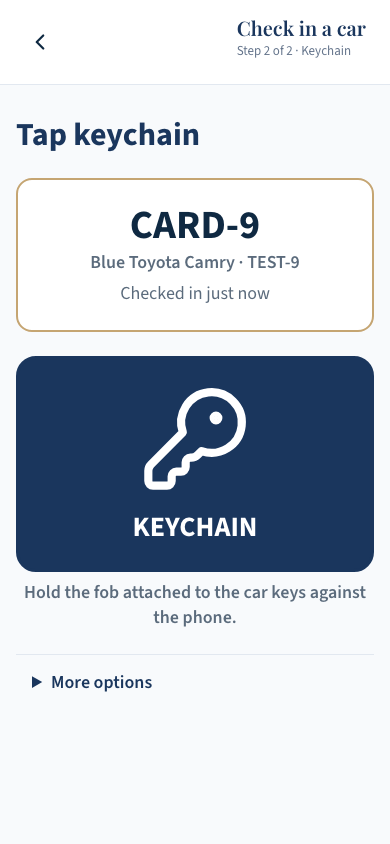
Connect a numbered keychain to the same record.
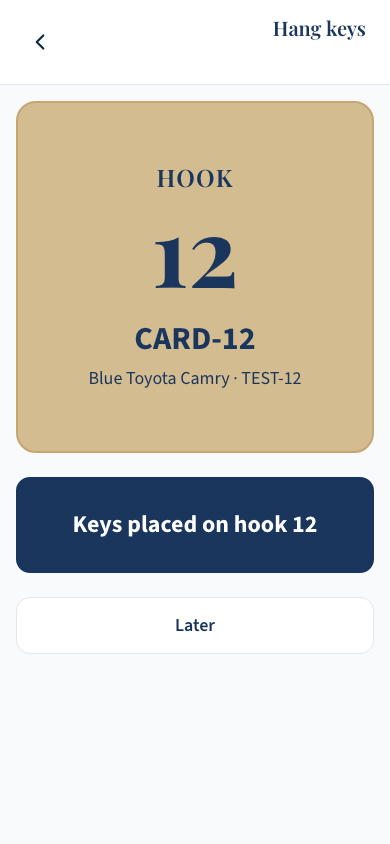
Park the car. Confirm its keys are on the hook.
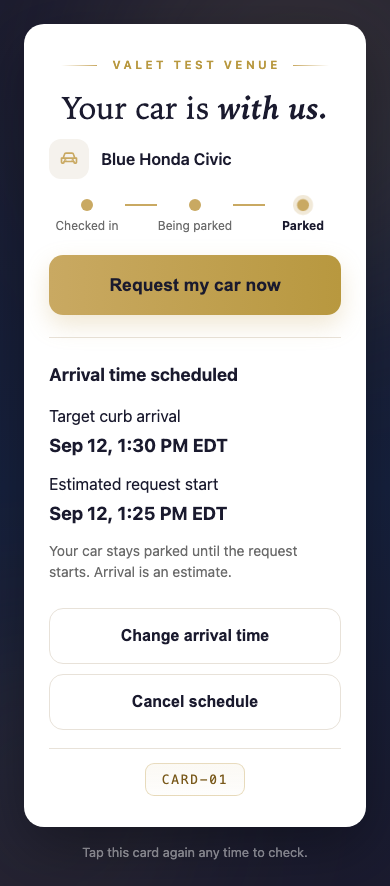
Request now or choose a target pickup time.
Tap the matching keychain. Bring the car to the curb.
Check the guest card. Return the car and close the visit.
The keychain number matches the key hook, not a parking bay. Staff physically clear the returned card before reuse.
Product screens with sample data. Separate examples, not a live valet service. Select an image to enlarge it.
No guest app or account. Phone support varies.
Shared Android NFC handheld and tablet. No phone required for every runner.
Test the handheld, tablet, cards, and keychains at your site. Agree training, lost-card checks, access rules, and a written fallback for connection or device failure.
Set free, flat-rate, or hourly parking. Guests pay at the desk. Online payment and tipping screens are samples; reports do not establish collected revenue. PMS and other integrations need separate confirmation.
Availability, support, and commercial terms need agreement. Read the practical questions.