Evidence record
Review available visit records. Print a summary or export JSON.
The Digital Key lets guests request their car, explore hotel services and ask for help. Staff can follow requests, keep damage photos and review service activity.
For hotel teams and independent valet operators. Discuss a valet pilot. Scope and dates agreed together.
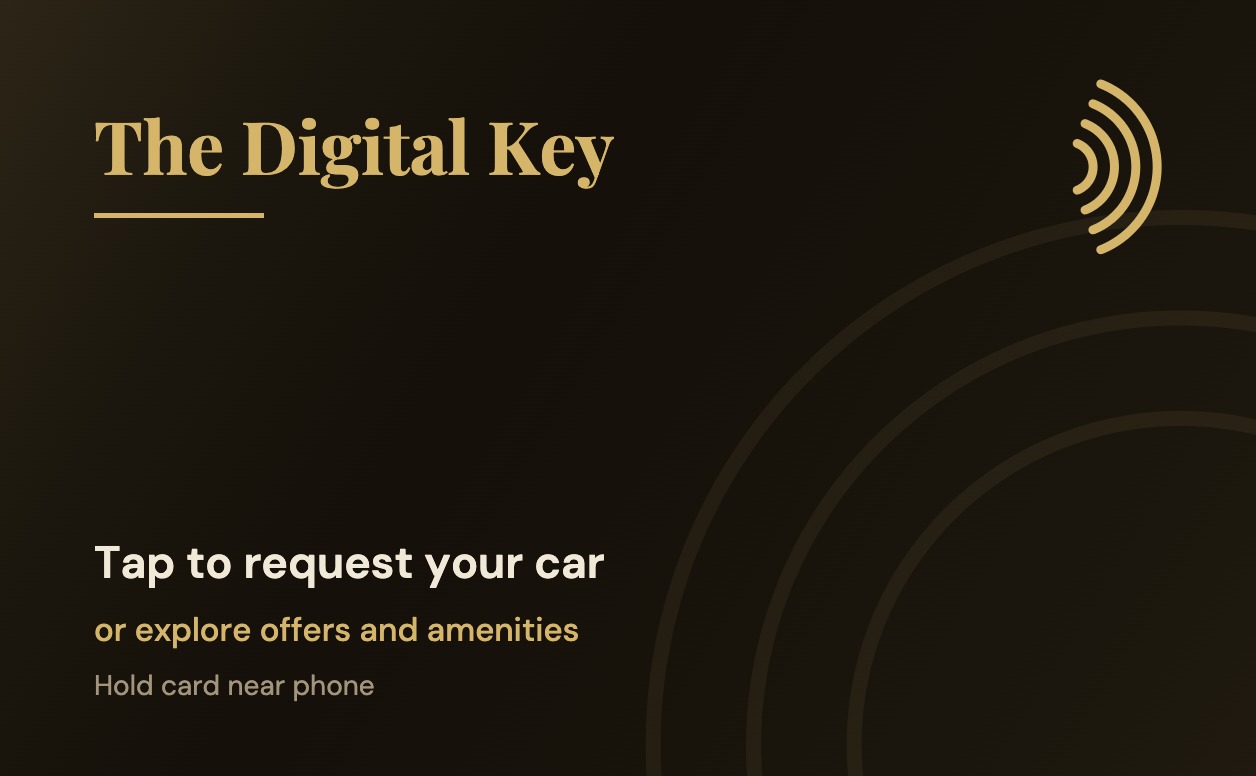
Guests can find hotel information and request services from the guest page. Staff can acknowledge each request and record whether it was completed or declined.
Staff-marked fulfillment is not a verified booking or revenue. Booking and commission tracking are future work.
See Amenity requestsThe guest holds the card. Your team keeps the keys and the record together.
Start one record for the car. Hand the guest their card.
Keep the car keys tied to the right visit.
Confirm the keys are on their numbered hook.
On the guest page, request now or choose a target pickup time.
Check the keychain before bringing the car to the curb.
Verify the guest card, return the car, then close the visit.
The keychain number matches the key hook, not a parking bay.
Read the staff workflowStaff confirm physical checks. Manager exceptions are recorded.
Explore the staff workflow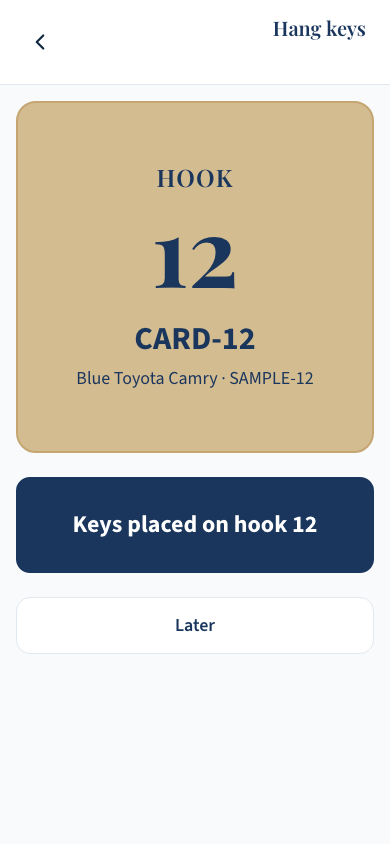
Concept demo. Sample data and simulated updates only. No request is sent to a valet team. Times shown are not real estimates. Phone tap is simulated, not the read-only tablet flow.
Select the card for the demo.
Sample instructions: meet the team at the pickup point.
This card is for valet, not room access or vehicle unlocking. Guest access needs separate confirmation.
Review available visit records. Print a summary or export JSON.
Intake and damage photos stay with the visit. Follow each upload while returning to work.
See recorded retrieval waits, distributions, trends, and timing coverage. Export CSV or print.
Planned. We want to help hotels suggest useful room upgrades and services based on what is available and what guests need. AI would help choose relevant suggestions. The hotel would approve the offers and set the prices.
Later, we want to explore one card for valet and room access. That needs hotel approval, connections to hotel systems and a compatible lock system. Today’s card does not provide room access.
Explore the plansStart with one site. Agree the workflow for your team and venue.
Start a conversation about a 30-day pilot. Scope, setup, and dates agreed first.